
ガイド目次
Auto Accept の本当の意味
Antigravity の auto accept は、繰り返しの承認を減らすための便利機能であり、すべての操作が安全という意味ではありません。エージェントはファイル閲覧、編集、コマンド実行、MCP 呼び出し、ブラウザ操作を提案できます。日常的なものもありますが、データ削除や外部送信につながるものもあります。
このサイトはダウンロードとセットアップを扱うため、推奨は保守的です。まず公式入手元、現在のバージョン、テスト用リポジトリを確認してから自動承認を広げます。業務端末では組織のポリシーを優先してください。
承認マトリクス
Use this matrix before turning a repeated prompt into an automatic rule. The safest setting depends on the command, the workspace, and whether you can easily undo the change.
| 操作の種類 | 推奨レベル | 判断ルール |
|---|---|---|
| Read files, list folders, inspect git status | Usually safe to auto accept | Allow in the active workspace when no secrets or private customer data are exposed. |
| Edit one known source file | Often safe after review pattern is clear | Allow after the agent has shown the exact file path and you use version control. |
| Run tests, linters, formatters, type checks | Good auto accept candidate | Allow trusted project commands such as python build.py, npm test, or lint scripts that you already use. |
| Delete files, move directories, rewrite git history | Manual approval | Require review because the blast radius can be larger than the agent summary. |
| Read environment variables, tokens, browser sessions, or cloud accounts | Manual approval or blocked | Do not auto accept actions that can expose credentials or send private data outside the workspace. |
安全な設定手順
Start with a small repository and one repeated workflow. Good examples are running a formatter after edits, executing a unit test command, or accepting a patch to a single file that you can review in git. Avoid creating a global rule on the first day you use Antigravity. The first few sessions are when you learn which commands the agent tends to request and which prompts are actually protecting you.
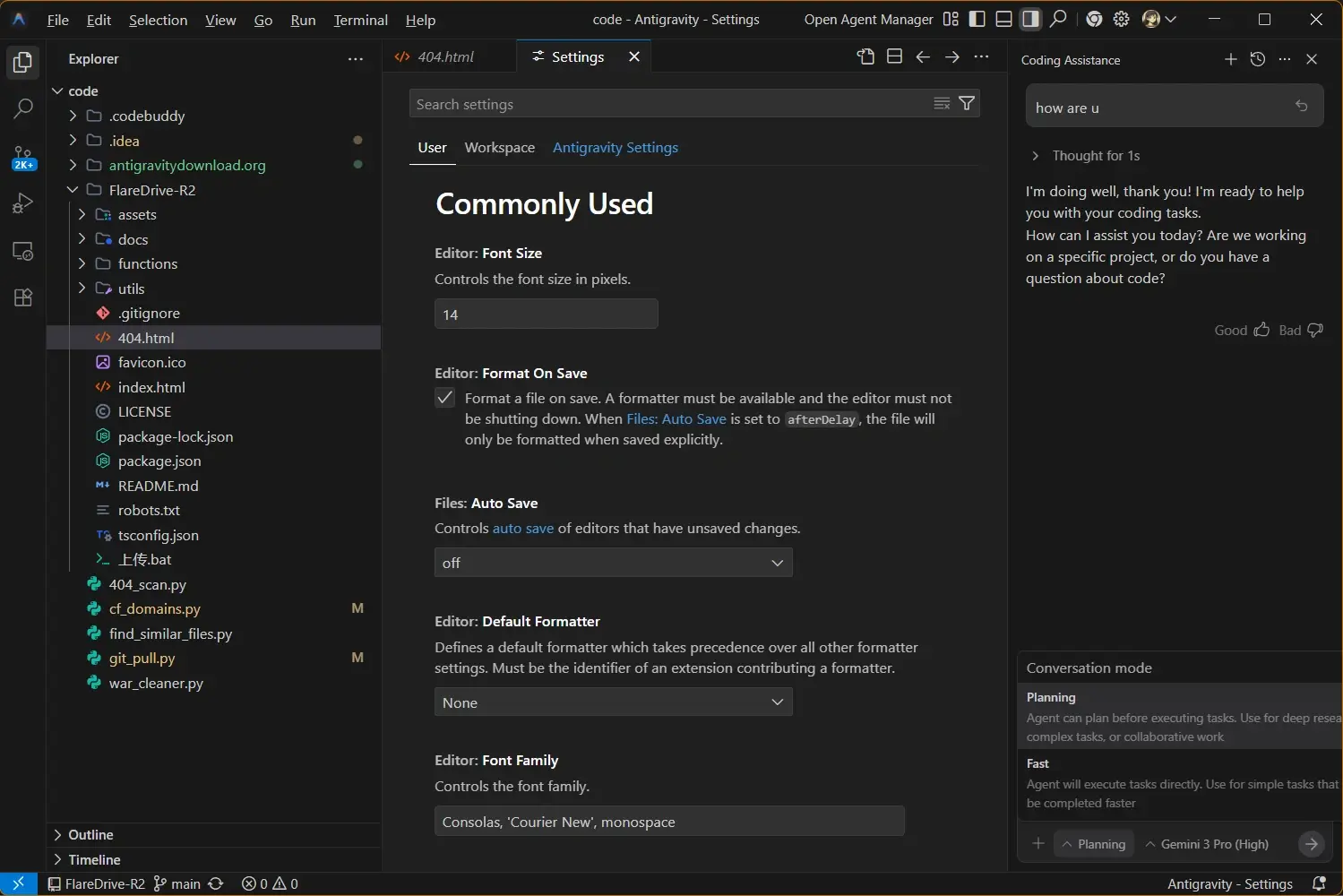
- Step 1 - Update Antigravity and verify the About dialog before changing approval settings.
- Step 2 - Open a non-critical repository and let the agent complete a small task while approvals stay visible.
- Step 3 - Auto accept only the repeated low-risk actions you understand, then confirm the git diff after each run.
日常作業の安全モード
A productive Antigravity setup does not need to be fully manual. The middle ground is to let the agent move quickly inside a controlled lane. Reading files, applying a small patch, and running a known validation command can be automatic. Decisions that change dependencies, call external services, or remove data should pause for human review.
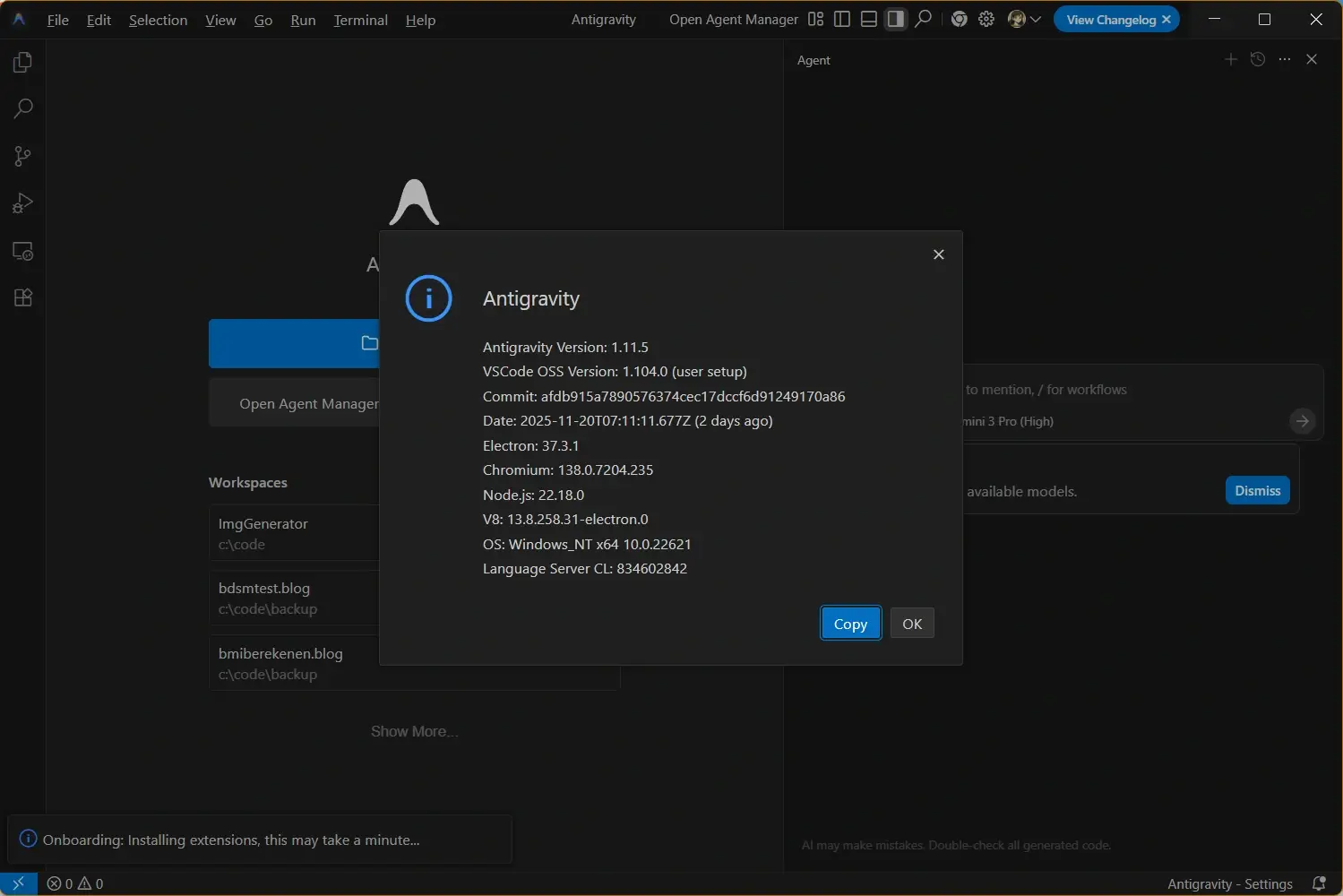
- Good default - Allow read-only exploration and known validation commands.
- Review checkpoint - Inspect the diff before dependency, deployment, database, or workflow changes.
- Rollback plan - Keep changes small enough that one git revert or file restore can undo them.
使わない方がよい場面
Disable auto accept when you are working in a repository with production credentials, private customer data, regulated records, payment flows, or deployment permissions. The cost of one wrong command is too high, and the agent may not know every internal boundary. Manual prompts are cheap compared with rotating secrets or restoring deleted data.
Security note
Never auto accept a shell command copied from an unknown page, a curl-to-shell installer, a command that prints secrets, or a broad delete/move operation. If the command would make you nervous in a normal terminal, it should not be automatic inside an IDE agent.
トラブルシューティング
If automatic approvals create errors or unexpected changes, narrow the scope instead of turning every prompt back on.
The agent keeps asking anyway
The action probably falls outside the remembered scope. Check whether the path, command arguments, shell, or MCP tool changed.
Auto accepted commands fail
Run the same command in a normal terminal. If PATH, npx, permissions, or PowerShell policy differ, fix the environment before allowing repeats.
A diff is larger than expected
Stop the session, review each file, and restore unrelated changes before continuing. Then replace broad approval with a narrower rule.
公式・関連リソース
Use these links to verify the installer, command permissions, troubleshooting path, and related setup decisions.
- Official Antigravity download page - verify the current installer before changing setup or approval behavior
- Official Antigravity CLI permissions - permission concepts for command-line and agent workflows
- Antigravity not working guide - fix npx, agent, login, and install errors before enabling automatic approvals
- Antigravity update guide - confirm that the client version is current before testing approval behavior